
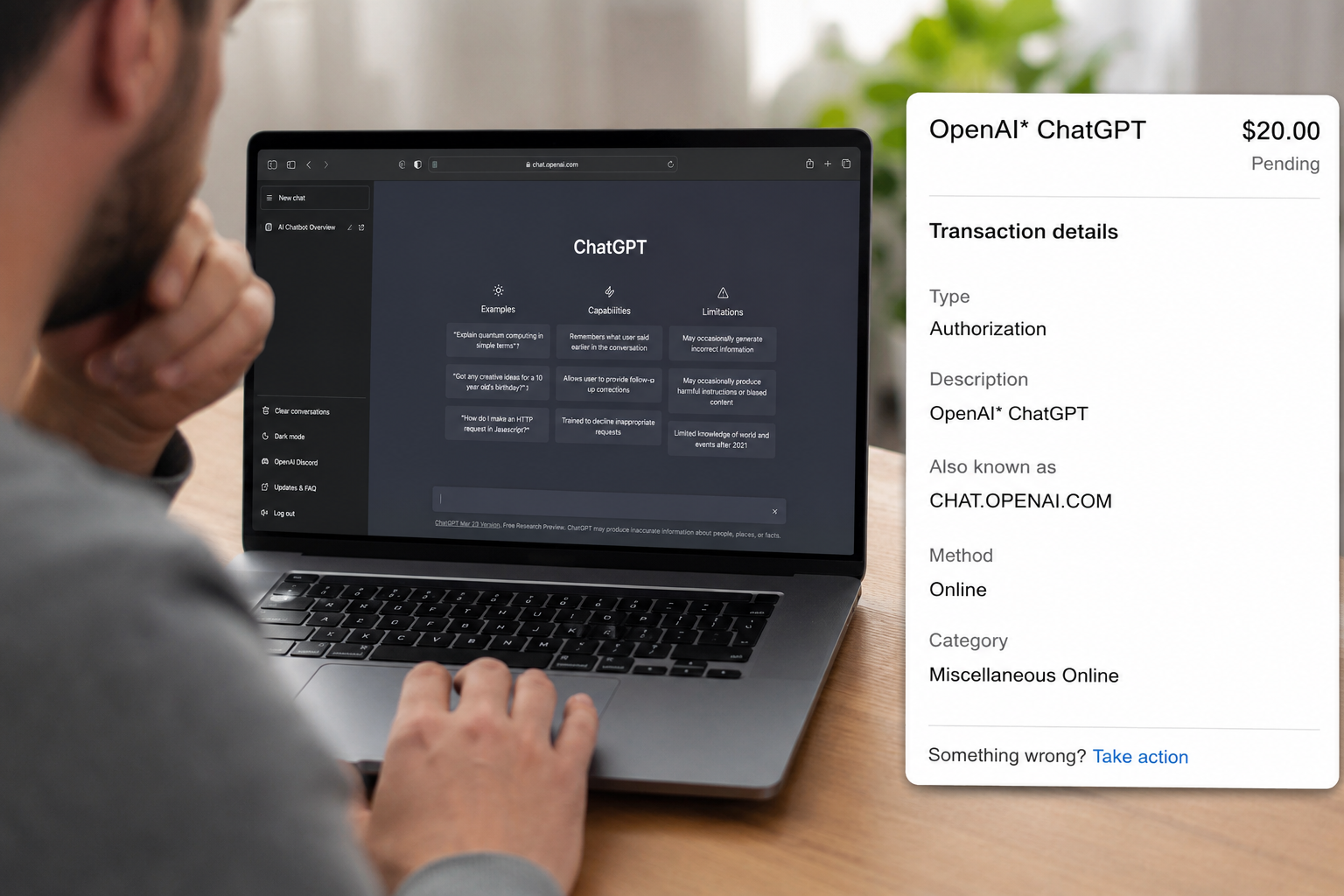
The receipt tells you where to start
ChatGPT subscriptions can be bought on chatgpt.com, through Apple's App Store, or through Google Play. Those routes do not share one cancellation screen. Before changing anything, find the receipt or open the transaction and note the amount, date, account email, and statement descriptor.
If you have used more than one email address, Apple Account, or Google account, check each one. A subscription can be active under an account that is not currently open in the app.
Match the charge to the billing route
Subscribed on chatgpt.com
Sign in to the relevant ChatGPT account, open the profile menu, then go to Settings > Billing > Cancel plan. OpenAI's current help page says to cancel at least 24 hours before the next billing date to avoid the next charge.
For a ChatGPT Business workspace, the billing controls are in Workspace settings > Billing > Manage plan. Enterprise and Edu arrangements are different and are not covered by the self-service subscription instructions.
Subscribed on iPhone or iPad
Apple manages the subscription. Open iOS Settings, tap your name, open Subscriptions, and select ChatGPT. Cancellation and refund requests for an Apple-billed purchase go through Apple.
Subscribed through Google Play
Open Google Play with the Google account used for the purchase, then go to subscriptions and select ChatGPT. Uninstalling the Android app does not cancel the subscription.
Canceling and refunding are different requests
Canceling stops a future renewal; it does not automatically reverse the latest charge. Save the screen showing the subscription's end date, then use the refund route that matches the receipt.
- For a web subscription, contact OpenAI through the Help Center chat while signed in to the charged account.
- For an Apple subscription, request the refund from Apple.
- For Google Play billing, follow the current OpenAI and Google Play refund instructions for that purchase.
OpenAI's current refund article says accidental purchases are generally eligible when reported within 14 days, while actual eligibility still depends on the facts and billing route. It also notes specific consumer cancellation rights for residents of the EU, UK, and Turkey. Check the official page because policy details can change.
What to send support
Prepare a small, accurate packet:
- The account email and plan name.
- Charge date, amount, and currency.
- Receipt or invoice number.
- The billing route: web, Apple, or Google Play.
- Cancellation date and confirmation screenshot.
- A one-sentence explanation of what happened.
Share card details only through the official secure support flow and only to the extent requested. Never send a password or one-time login code.
If you cannot access the old email account
OpenAI's cancellation guide says support can help locate and cancel a web subscription when you no longer have access to the account email. Be ready to provide the account email, the last four digits of the payment card, and the date of the most recent payment through the official support channel.
Account deletion is permanent. Current OpenAI guidance says deleting an OpenAI account also cancels active ChatGPT subscriptions, but it is a much bigger action than canceling a plan. Use normal cancellation or support first if you want to keep the account or preserve its history.
If the charge is genuinely unauthorized
Use the OpenAI Help Center's unauthorized-charge process and contact your bank promptly. Locking or replacing the card may be appropriate if the account is at risk. Tell both parties the same facts and keep the case numbers.
An unfamiliar descriptor is not enough by itself to prove fraud. Check shared cards, old accounts, and mobile subscriptions first unless there is an urgent security risk.
The mistakes that cause most confusion
- Canceling on the web when Apple or Google owns the subscription.
- Deleting the app and assuming billing stopped.
- Looking only at the currently signed-in email.
- Requesting a refund but not canceling renewal.
- Deleting the whole account before saving invoices and support messages.
- Waiting until the renewal day despite a 24-hour cancellation recommendation.
A quick final check
Before closing the tab, confirm three things: the correct subscription now shows a cancellation or end date, the refund request went to the billing owner, and you saved the receipt plus case number. That clean record is more useful than sending several rushed requests through different channels.
Comments (0)
No published comments yet. Start a useful, respectful discussion.